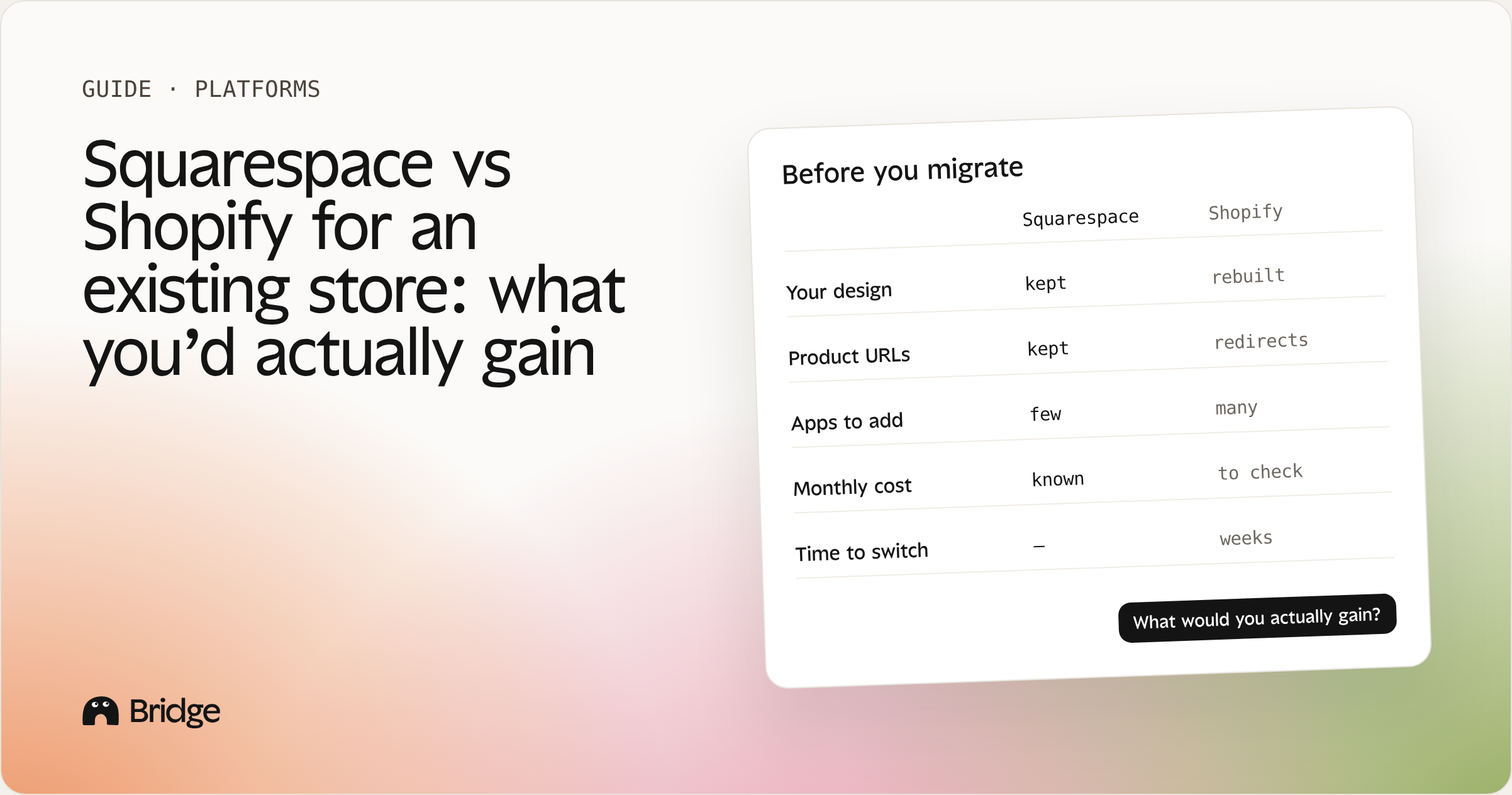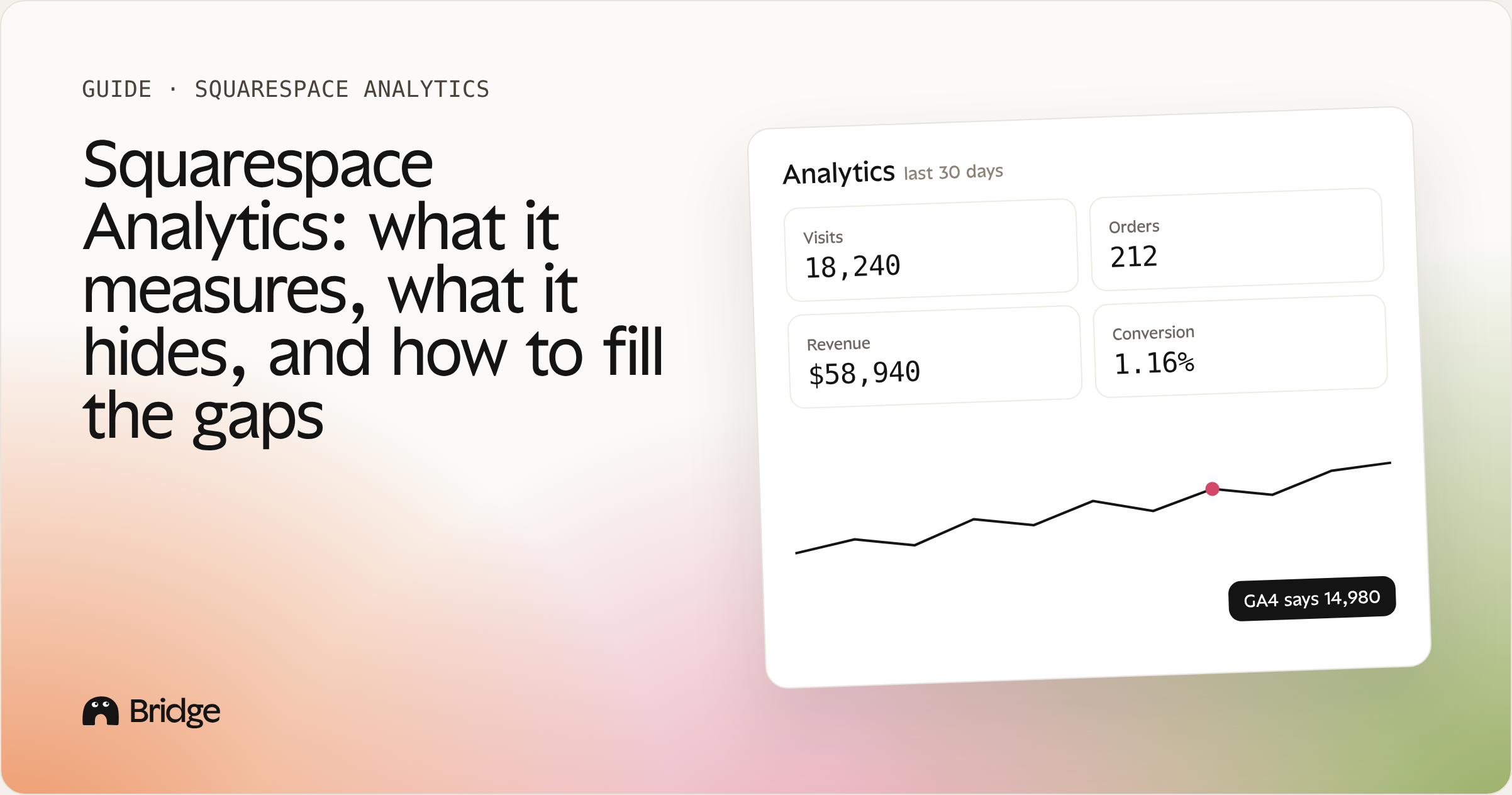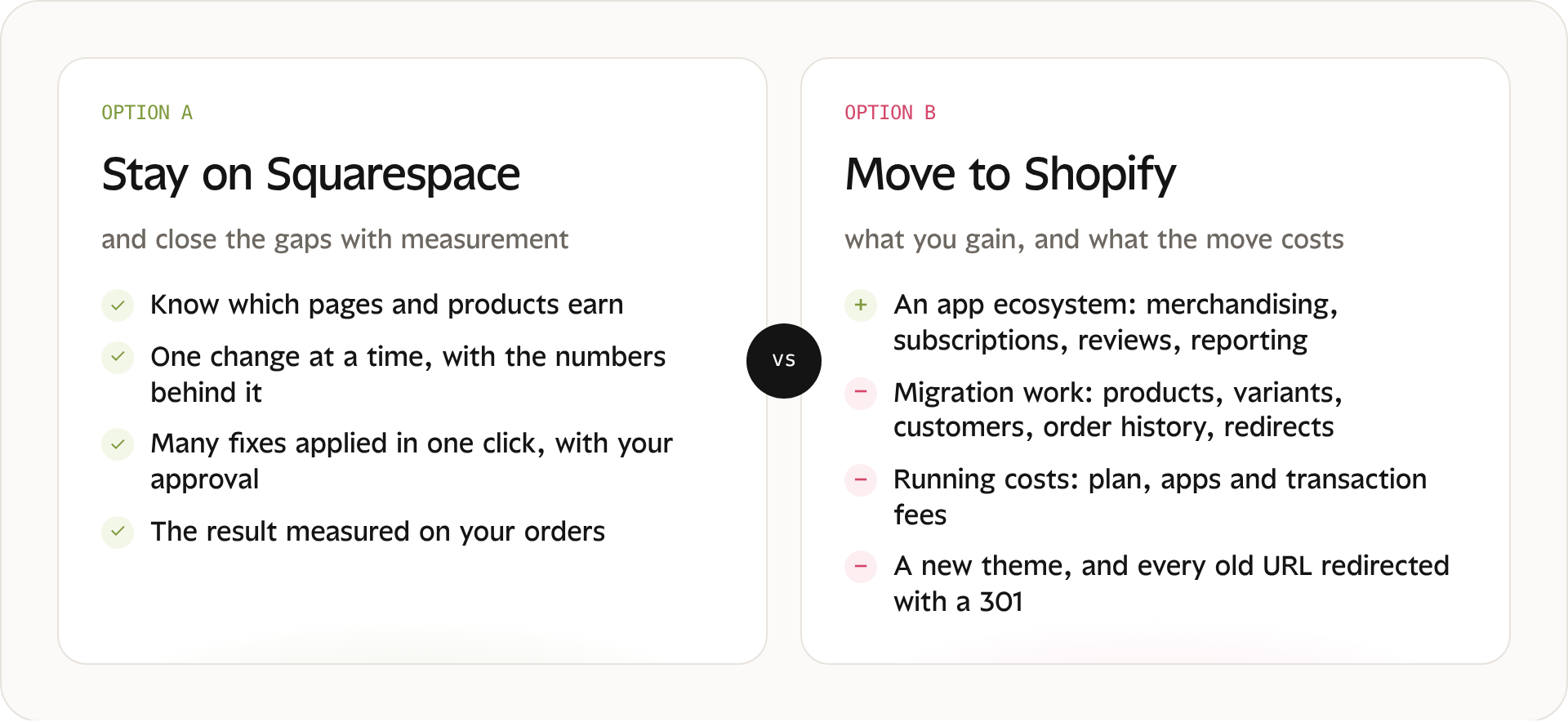
The real choice for a store that already sells: close the gaps where you are, or rebuild somewhere else.
Most Squarespace vs Shopify comparisons are written for people starting from zero. This one is for store owners who already sell on Squarespace and wonder whether switching would grow their sales. The honest answer: sometimes yes, often no. And it's worth knowing which case you're in before you rebuild everything.
1. Are you outgrowing Squarespace, or flying blind?
Merchants usually start thinking about Shopify when sales stall. Before blaming the platform, check three things :
Do you know which pages earn money? If you can't say which product pages bring paid orders, a new platform won't tell you either.
Are your product pages doing their job? Missing related products, weak photos or hidden reviews cost sales on any platform.
Is the gap a missing feature, or a missing decision? Many "limits" are things nobody has measured or tried yet.
If you answered "I'm not sure" to any of these, a migration won't fix the problem. It will move it.
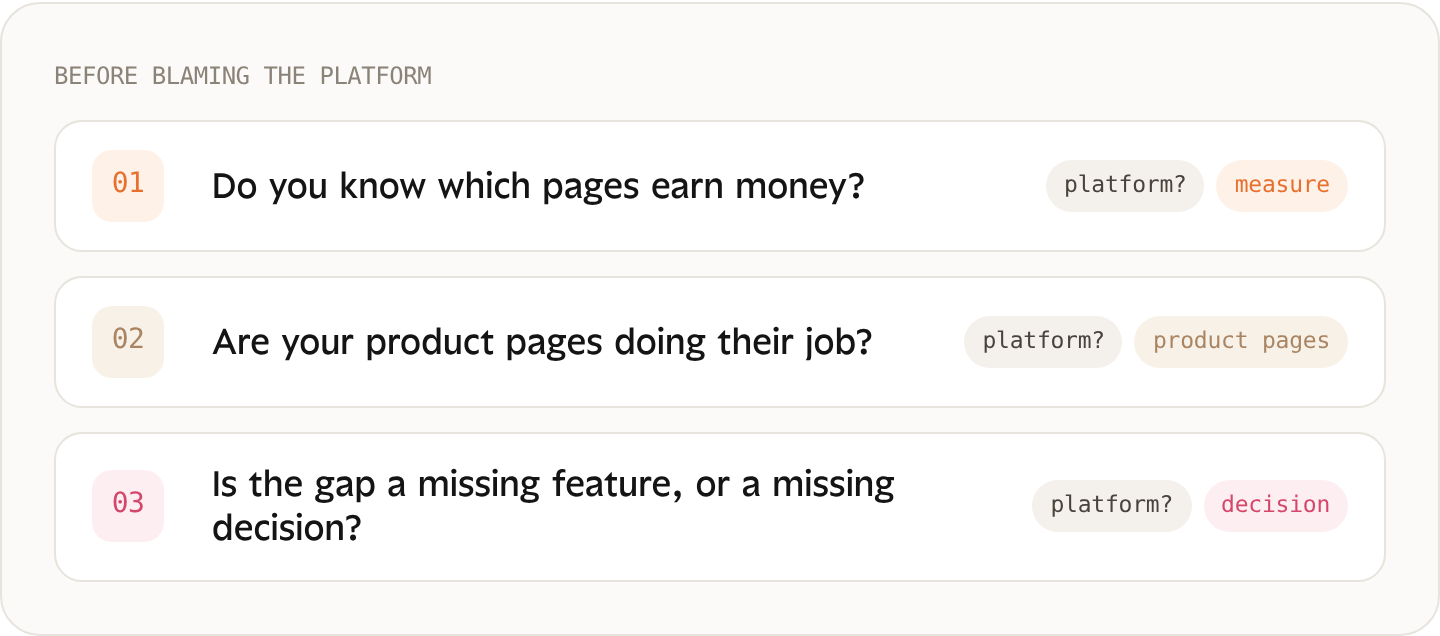
Three questions to answer before you decide the platform is the problem.
2. What Shopify gives an existing store
Shopify’s main strength is its app ecosystem: thousands of apps for merchandising, subscriptions, reviews, loyalty and reporting. If your business depends on a very specific capability, check first whether it exists on Squarespace, natively or through an extension. Squarespace Commerce keeps adding features, and the answer may have changed since you last looked. If it truly doesn’t exist and you can’t work around it, that’s a real reason to move.
What Shopify doesn’t give you by itself is a better-performing store. Apps add features; they don’t tell you which page loses sales or which change will pay off.
3. What the move really costs
Migration work: products, variants, customers, order history, and a redirect for every URL that matters.
Running costs: plan, apps and transaction fees, side by side.
Design: a new theme to build, and your product pages to recreate.
Search rankings: every old URL redirected with a 301 to keep the rankings you've earned. Miss a few, and the pages that bring traffic today disappear from Google for a while.
Time: weeks during which you're rebuilding instead of selling.
SQUARESPACE
| Plan | Billed yearly | Billed monthly | Fee on online sales | Card rate* |
|---|---|---|---|---|
| Basic | $19/mo | $25/mo | 2% | 2.9% + 30¢ |
| Core | $29/mo | $39/mo | 0% | 2.9% + 30¢ |
| Plus | $49/mo | $65/mo | 0% | 2.7% + 30¢ |
| Advanced | $99/mo | $139/mo | 0% | 2.5% + 30¢ |
SHOPIFY
| Plan | Billed yearly | Billed monthly | Fee with another payment provider | Card rate* |
|---|---|---|---|---|
| Basic | $29/mo | $39/mo | 2% | 2.9% + 30¢ |
| Grow | $79/mo | $105/mo | 1% | 2.7% + 30¢ |
| Advanced | $299/mo | $399/mo | 0.6% | 2.5% + 30¢ |
| Plus | — | from $2,300/mo | 0.2% | 2.25% + 30¢ |
*Online card rate in the US with Squarespace Payments or Shopify Payments. Paid extensions and apps are extra on both platforms. Prices in USD, checked on November 1, 2026 on squarespace.com/pricing and shopify.com/pricing. Always confirm current prices before deciding.
4. The gaps you can close while staying on Squarespace
A lot of what merchants hope to find on Shopify comes down to two things: knowing what works, and acting on it. Both are possible on Squarespace.
See which pages and products earn, from your paid orders rather than from traffic estimates.
Add related products and bundles where orders show products bought together.
Fix the product pages that get views but no sales: photos, price display, reviews, the add-to-cart area.
Measure every change before and after, over the same length of time.
Bridge connects to your Squarespace store and starts from your paid orders. It shows which pages and products earn, recommends one change at a time with the numbers behind it, applies many fixes in one click with your approval, and measures the result on your orders.
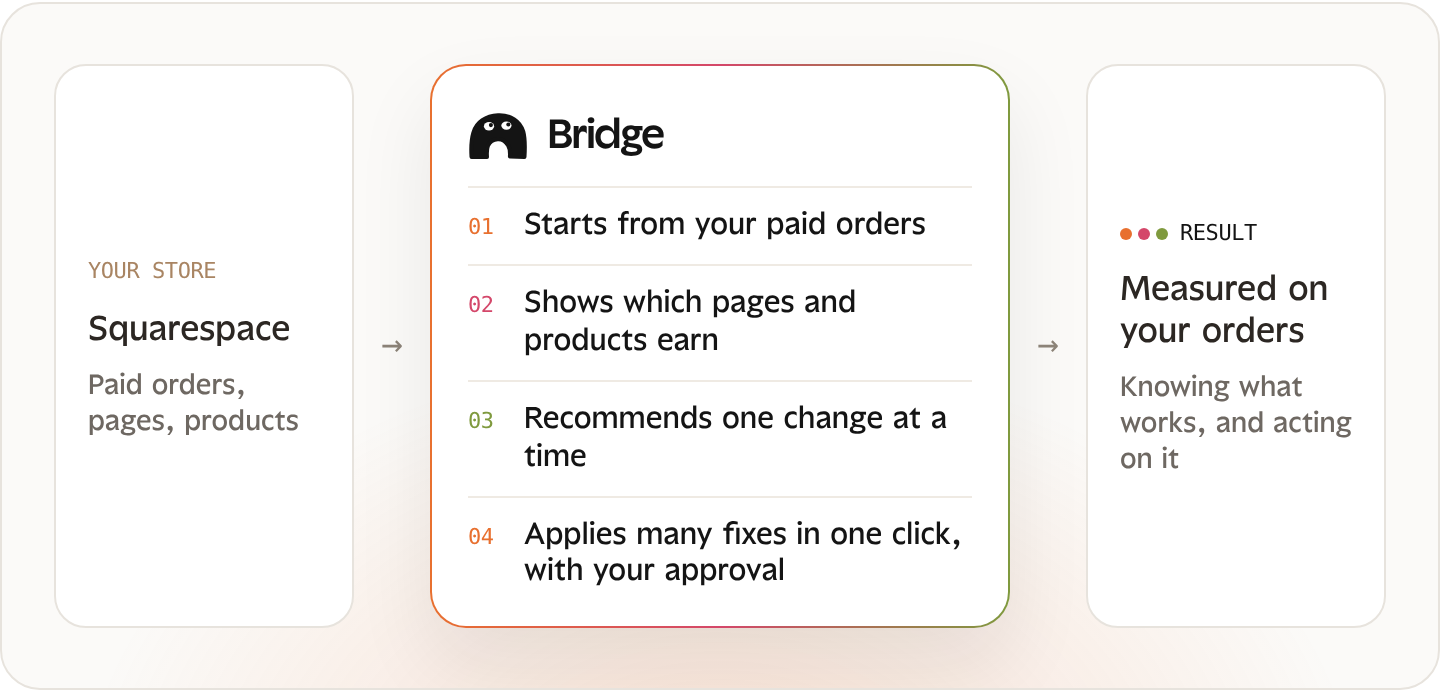
Where Bridge sits: between the store you already have and a result you can check on your own orders.
MEASURED BY BRIDGE
See what your store earns before you decide to move. Bridge reads your paid orders and shows which pages and products bring revenue, so you know whether the problem is the platform or the pages.
Before you rebuild, see what your current store earns.
Test Bridge5. Stay, fix, or migrate?
| Your situation | What we'd suggest |
|---|---|
| Sales are flat and you don't know why | Stay and measure first |
| You know what's wrong and can fix it on Squarespace | Fix, then measure the result |
| You need a feature that only exists on Shopify | Migrate, with a plan for redirects |
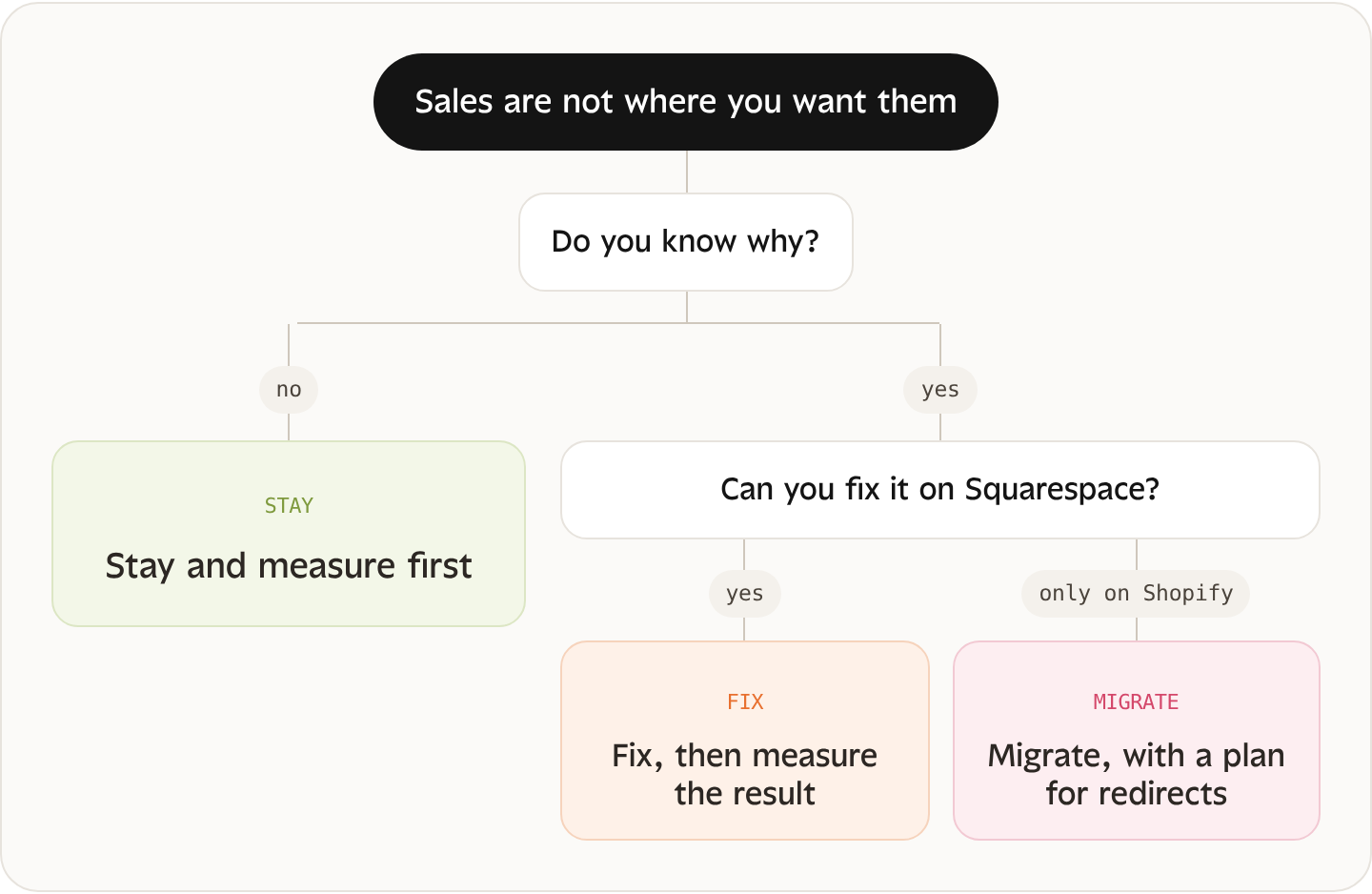
The same three situations as the table, read as a decision path.
The rule of thumb: migrate for a missing capability, never for a missing measurement.
6. If you do migrate: a short checklist
Export products, customers and orders.
List every URL that gets traffic or brings orders.
Map each old URL to its new one and set 301 redirects.
Rebuild your best-selling product pages first.
Keep Google Merchant Center and Search Console in sync.
Compare your orders before and after, over the same length of time.
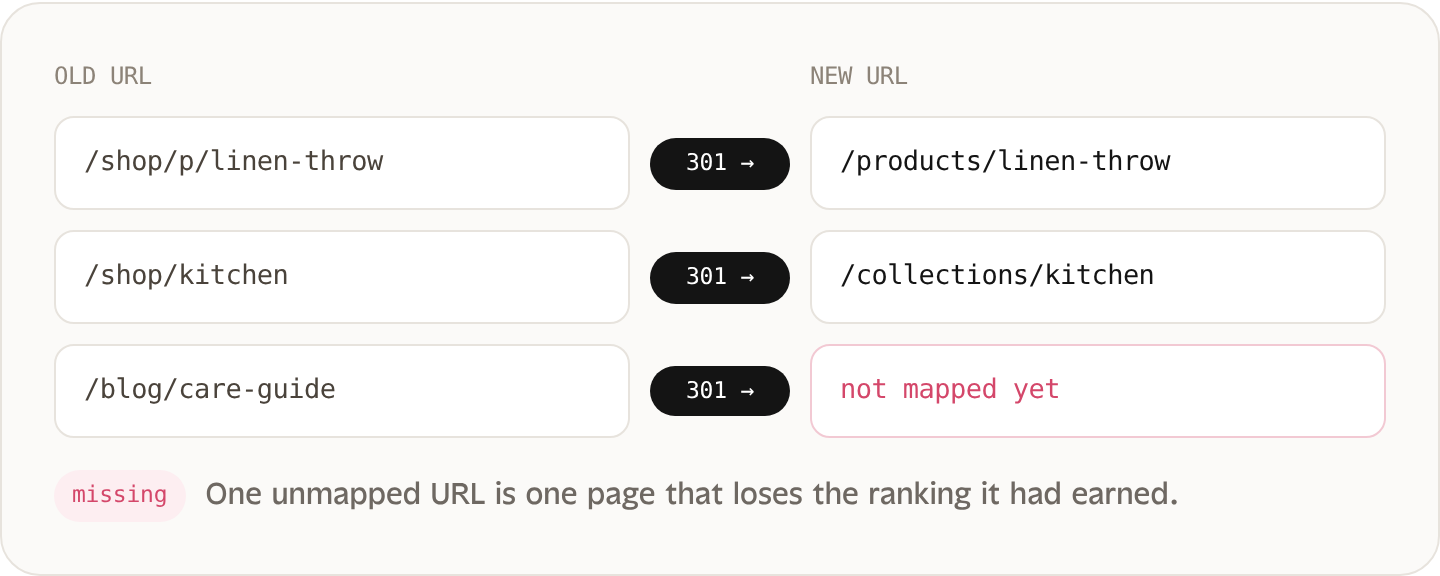
Step 3 in practice: every old URL that gets traffic points to its new one with a 301. Example paths, for illustration only.
Frequently asked questions
Is Squarespace good for ecommerce?
Yes for most small and mid-size stores, especially when design matters. The bigger question is whether you measure what each page earns.
When should I switch from Squarespace to Shopify?
When a feature your business depends on doesn't exist on Squarespace and can't be replaced.
Can I keep my domain if I move?
Yes. A domain can be connected to either platform.
Does Shopify rank better in Google?
Neither platform ranks you by itself. Content, speed and site structure do.
Before you rebuild, see what your current store earns.
Keep reading